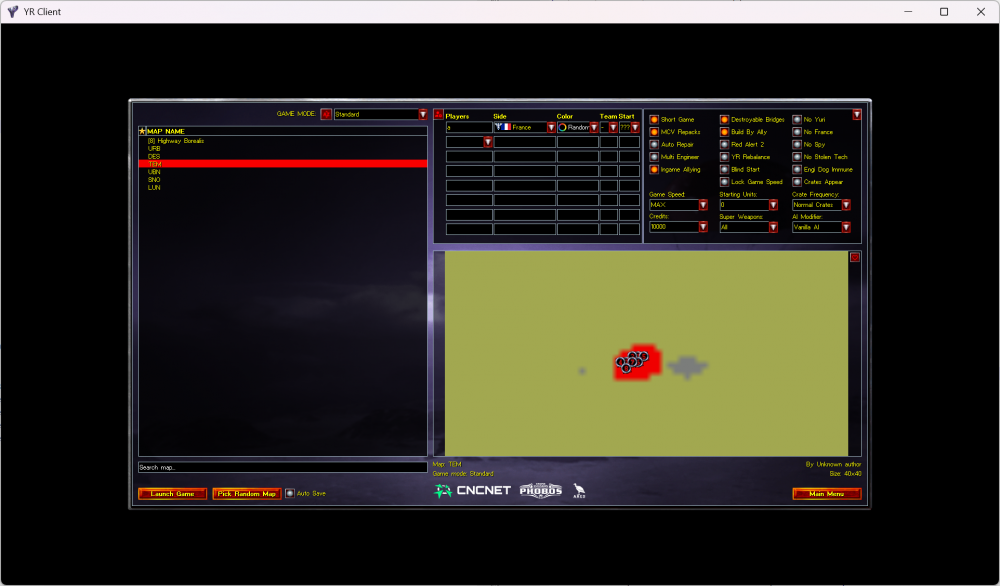
This directory is correct, but perhaps you need to check your file extension? It should use .map as the suffix. If your map is .mpr/.yrm, just manually change them to the correct format.
Example:
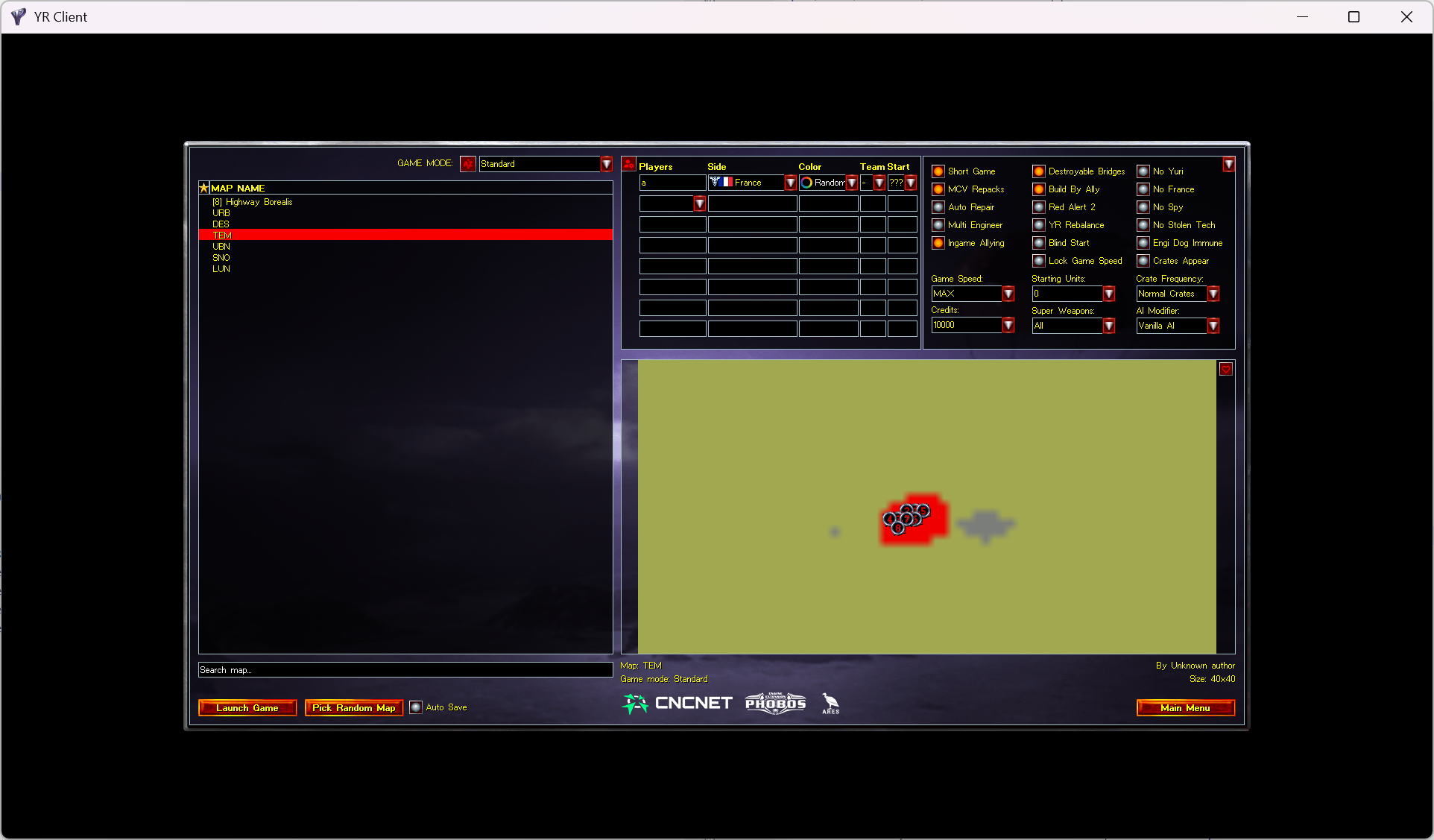
My installation directory is D:\CNC\Lab\steam ra2\Command & Conquer Red Alert II, and the map selected by the client in the screenshot is D:\CNC\Lab\steam ra2\Command & Conquer Red Alert II\Maps\Custom\tem.map.
Tip:
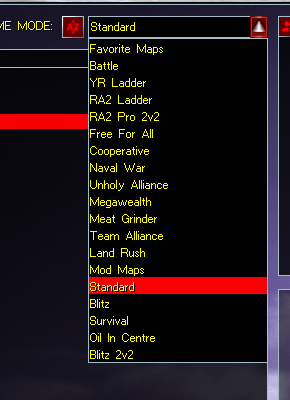
A possible reason why you cannot find the map even though you are sure you have operated correctly: Check the GAME MODE. If the [Basic]->GameMode= in the custom maps file uses a value different from existing modes, then it will use a new MODE separately, like this.
In tem.map:
[Basic]
Name=TEM
Percent=0
GameMode=standard