==============================
C&C Rules Editor by otherdeniz
==============================
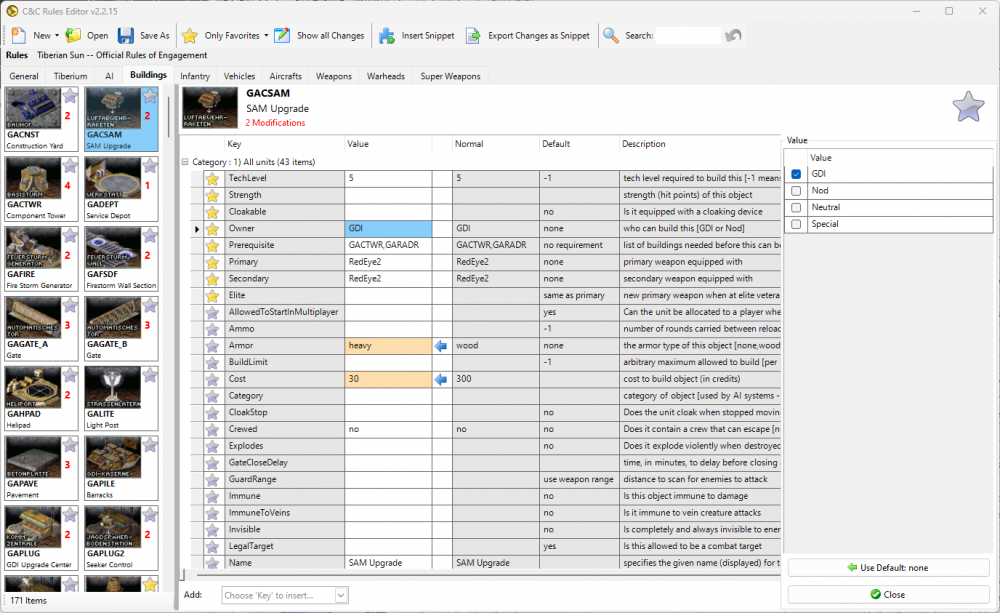
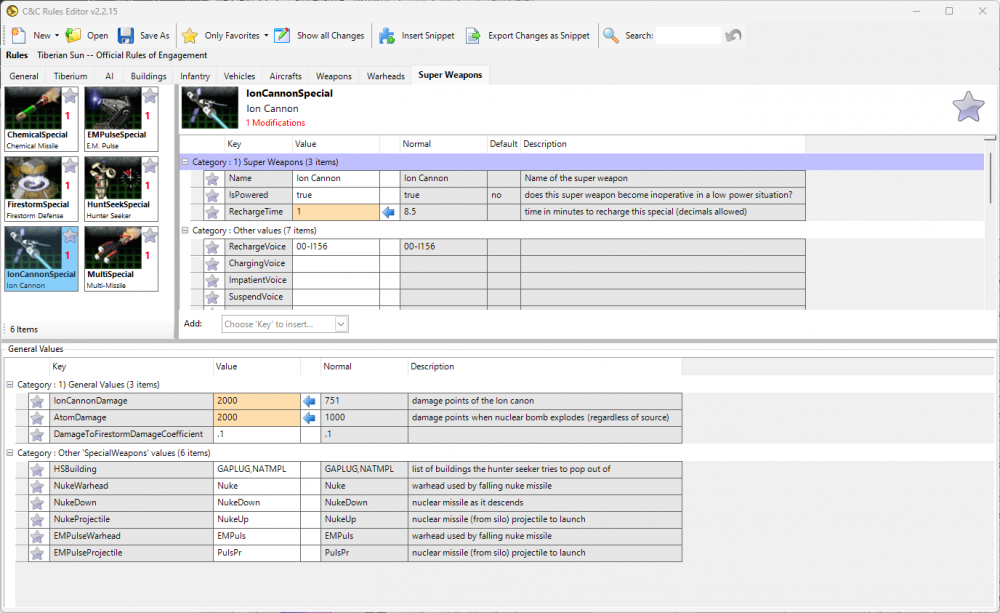
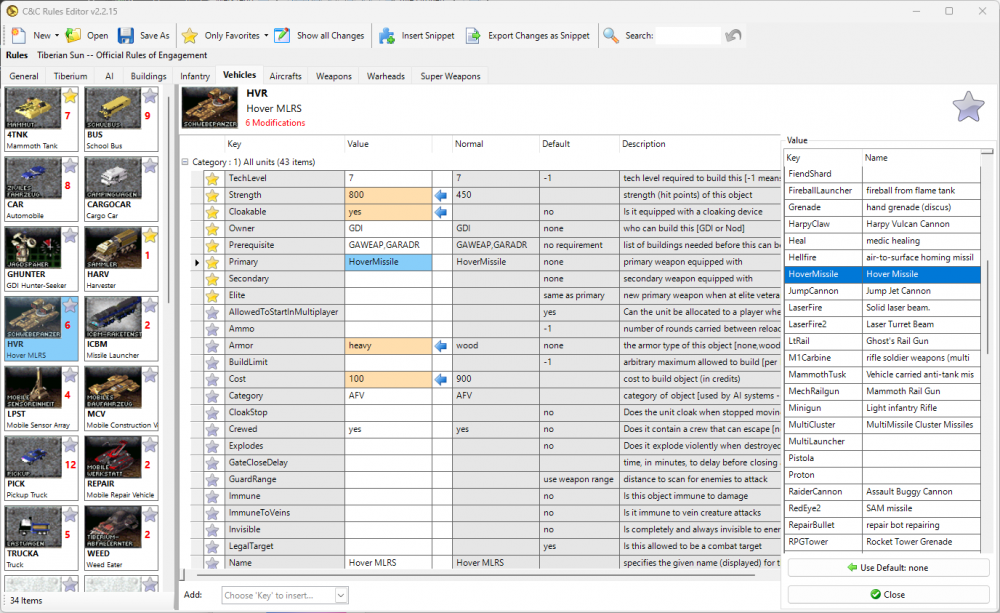
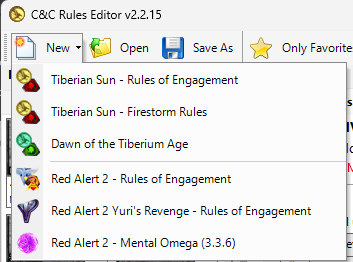
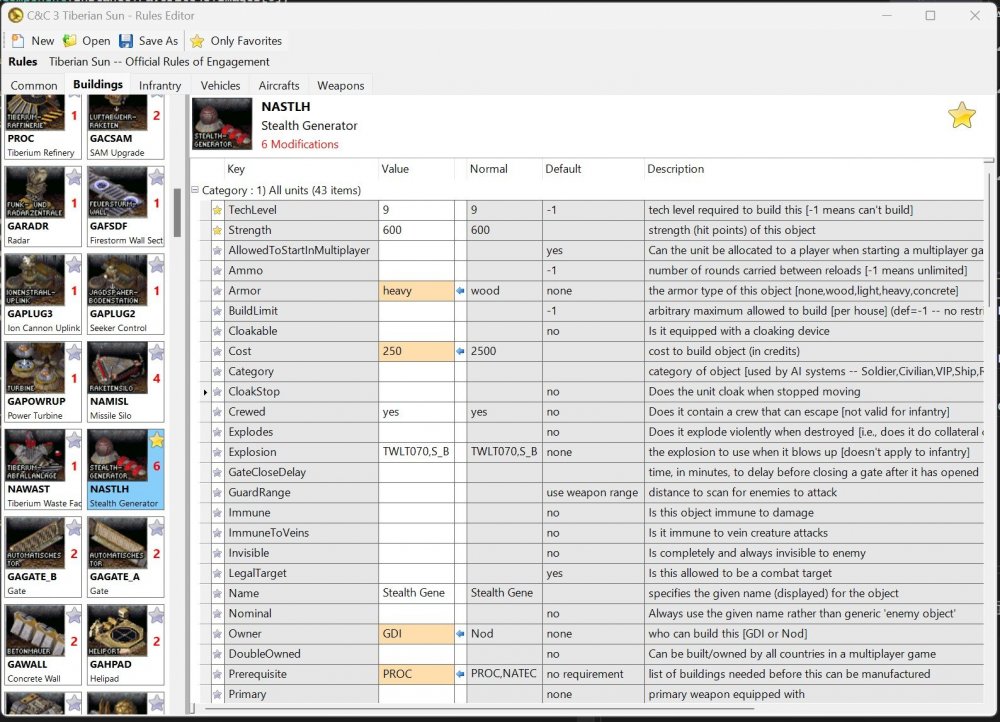
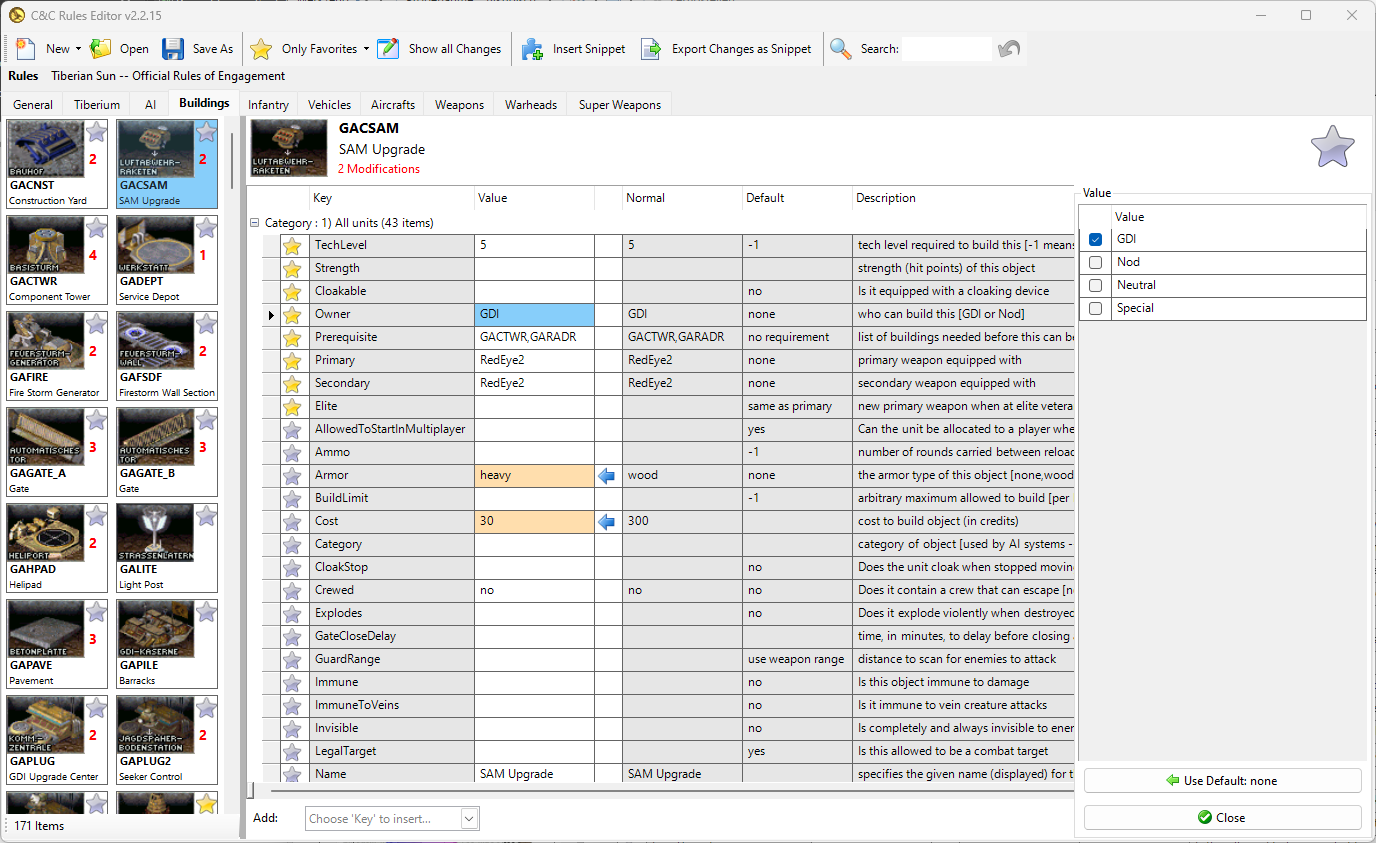
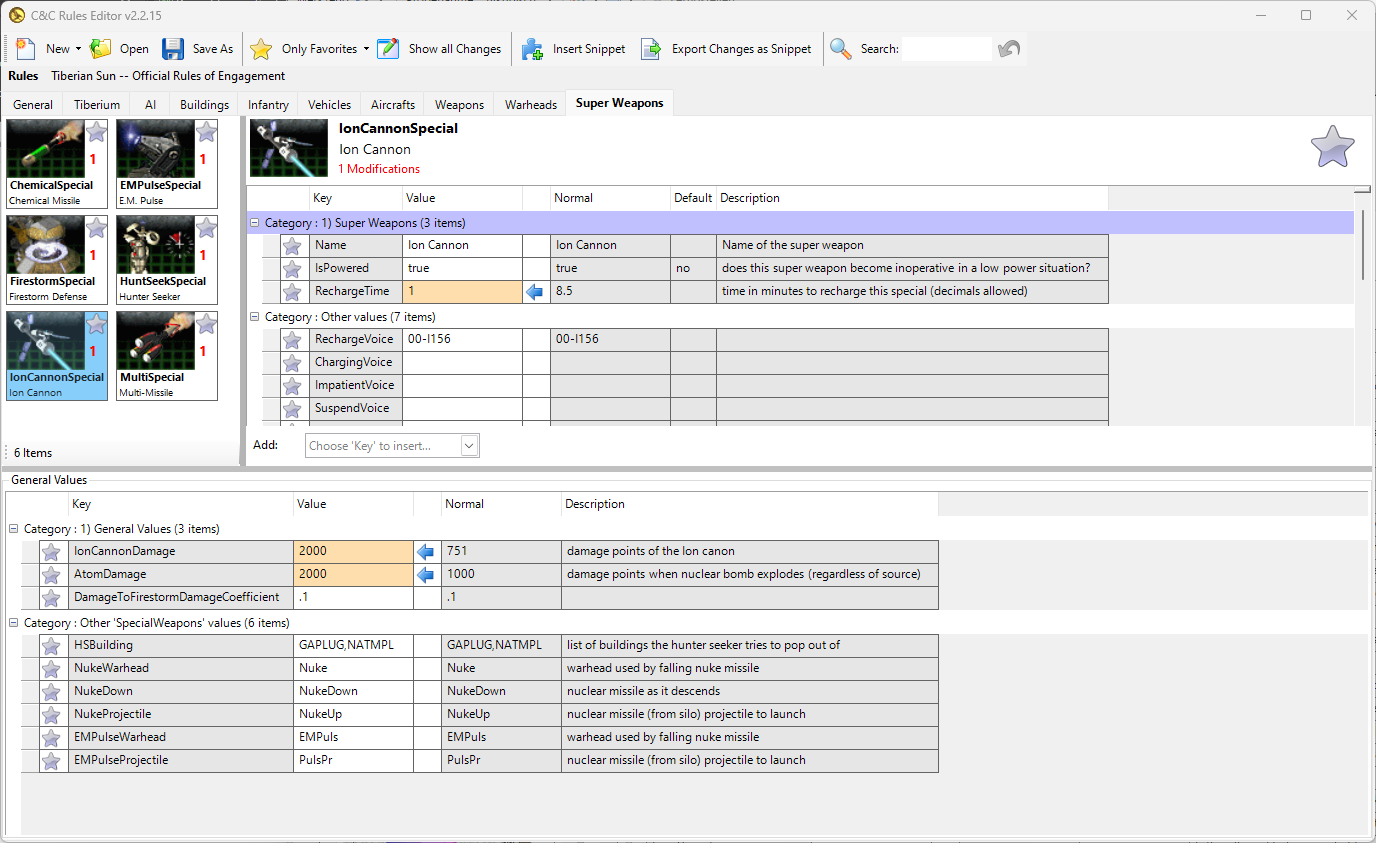
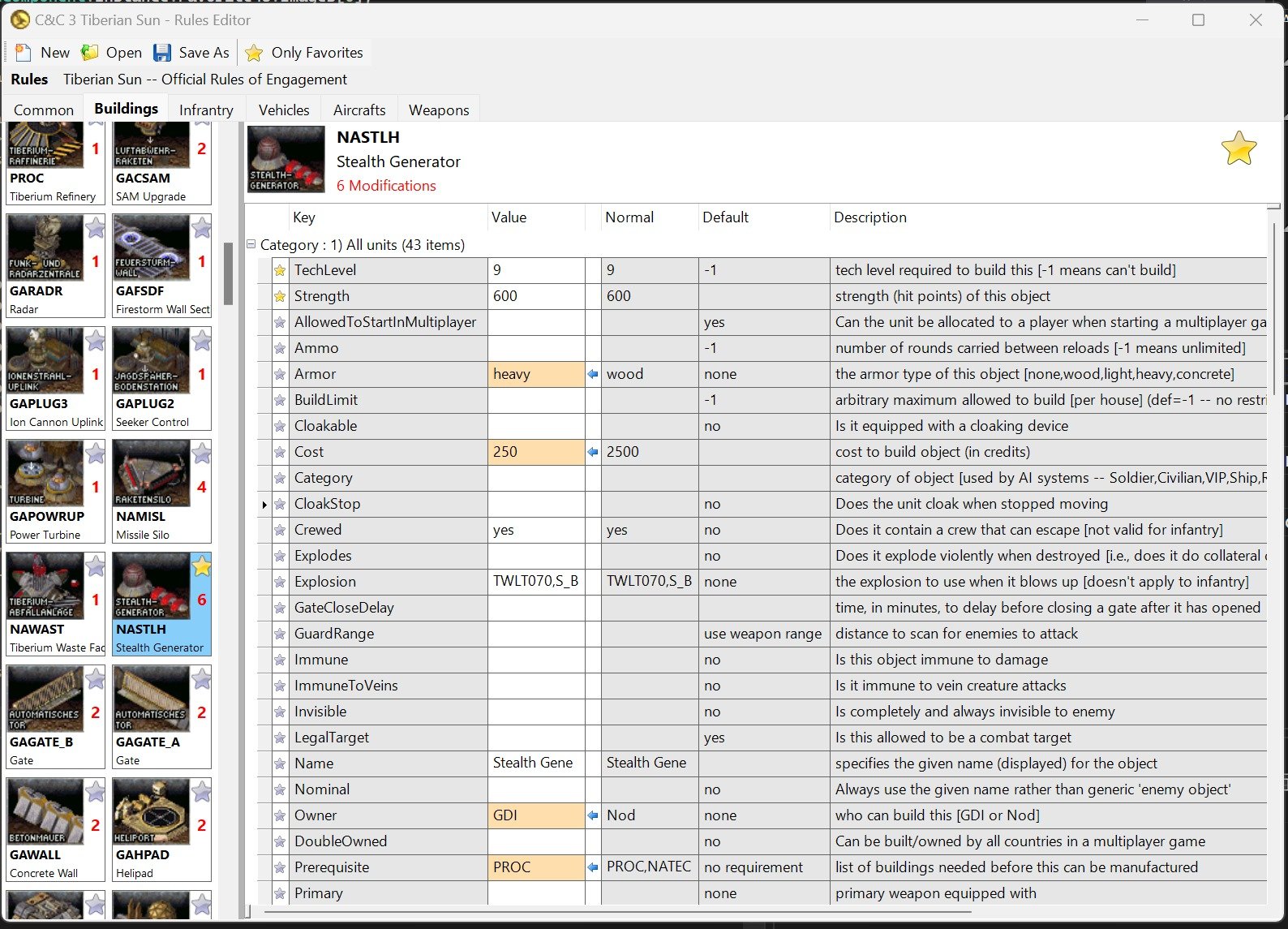
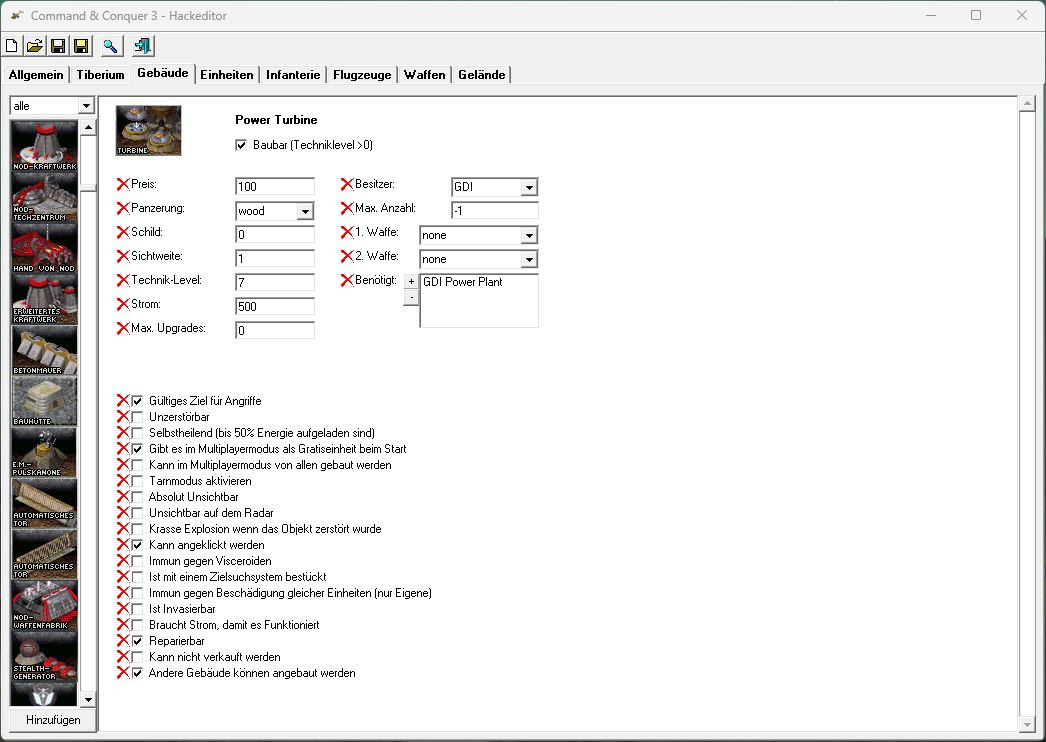
This editor is made to edit ini files and maps for Tiberian Sun and Red Alert 2 and all mods related to these editions.
The new must have tool for any modders and map editors - modding and map editing was never so easy!
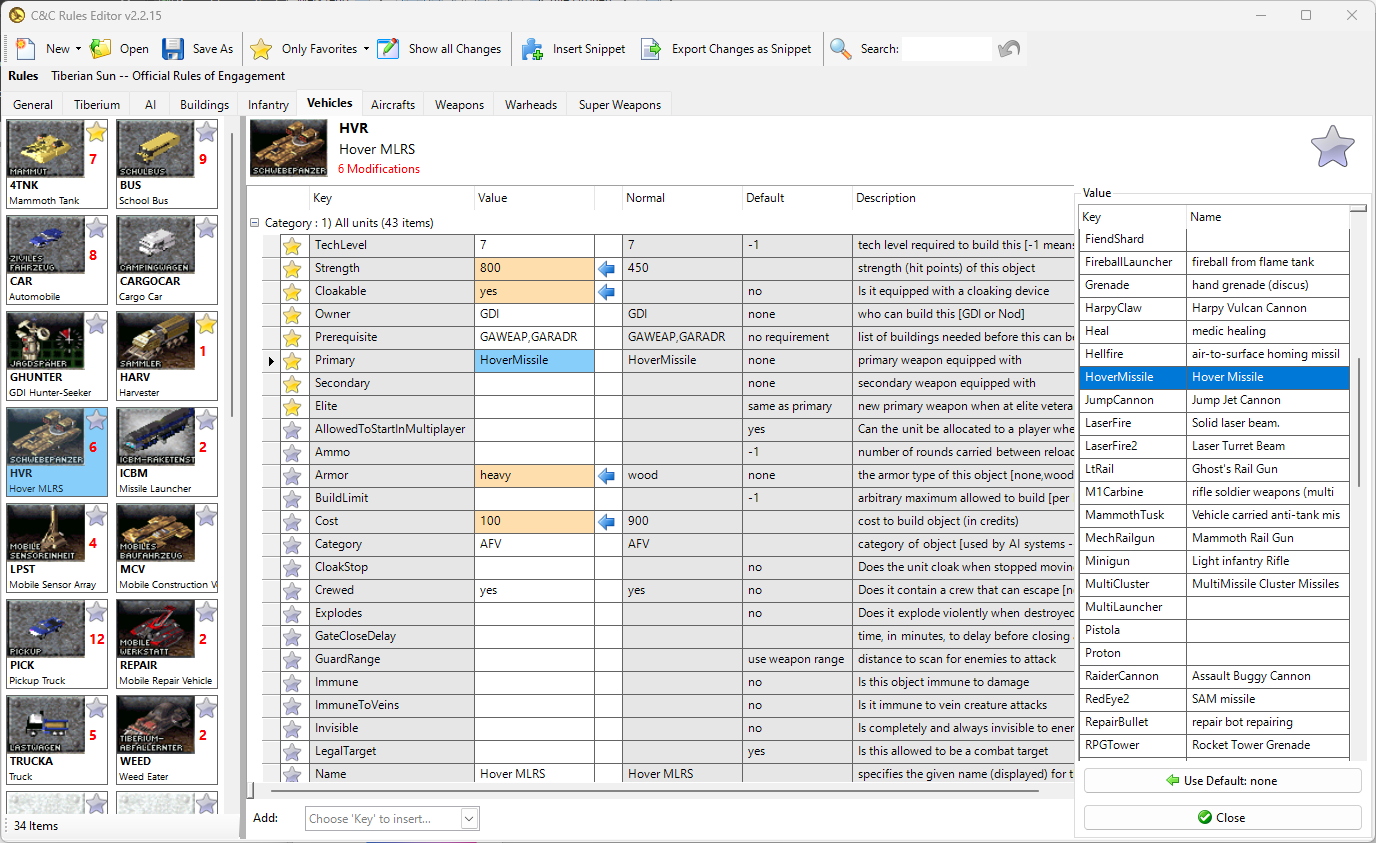
Also a good tool for regular gamers - make your own modified game in minutes just by clicky-clicky, no programming skills needed!
Just save the modified rules in your game folder and the game will use them you have now modified your game ! Its that easy.
To play modified games on multiplayer, share the 'rules.ini' file to all the players in the lobby,
every player in a multiplayer session must have the same 'rules.ini' in the game folder
Once the user defines a game path of an integrated game or adds a custom mod, the cameos get loaded from the mix files of the game directory.
After the editor knows the path to a game, many features are unlocked:
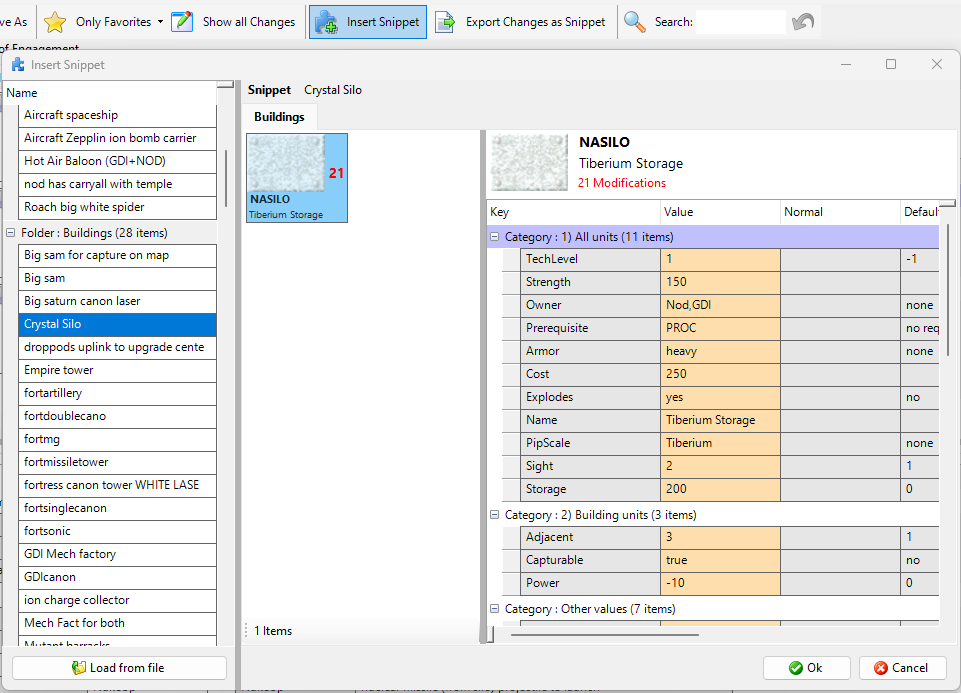
- insert new buildings/units
- play sounds
- play animations
- and more...
The "Bitmaps" folder contains all the default cameos, the Bitmaps-subfolders are listet in the games.json for the respective games.
Cameos must be in the format .bmp and the "Overlay" subfolder draws the .png files onto the _empty.bmp in the Bitmaps-root.
The editor is fully dynamic, one can edit the json files in the "Resources" subfolder to fully customize the integrated games.
The integrated games are defined in 'games.json' and all value definitions are defined in 'datastructure.json'.
The default rules.ini files and default Logos for integrated games are also located in th "Resources" subfolder.
User settings like selected Favorites and custom games mods are stored in the folder: %AppData%\TiberiumSunEditor
(yes there is a typo in the folder name, but i cannot change that anymore, users would lose their settings)