
-
Posts
1480 -
Joined
-
Last visited
Everything posted by RaVaGe
-
@Tore @Nyerguds1280x768 ? It's even a wide screen resolution.
-
Difficult to say, because the error can be caused by... Poorly modified settings in the mod/custom map Fraps recording method / software hooks Soddy game internal programming (we all know it's soddy). Other software interfering with the game and fraps New renderer code conflicting with fraps Windows updates to ddraw / directX.. Aliens making crop circles
-
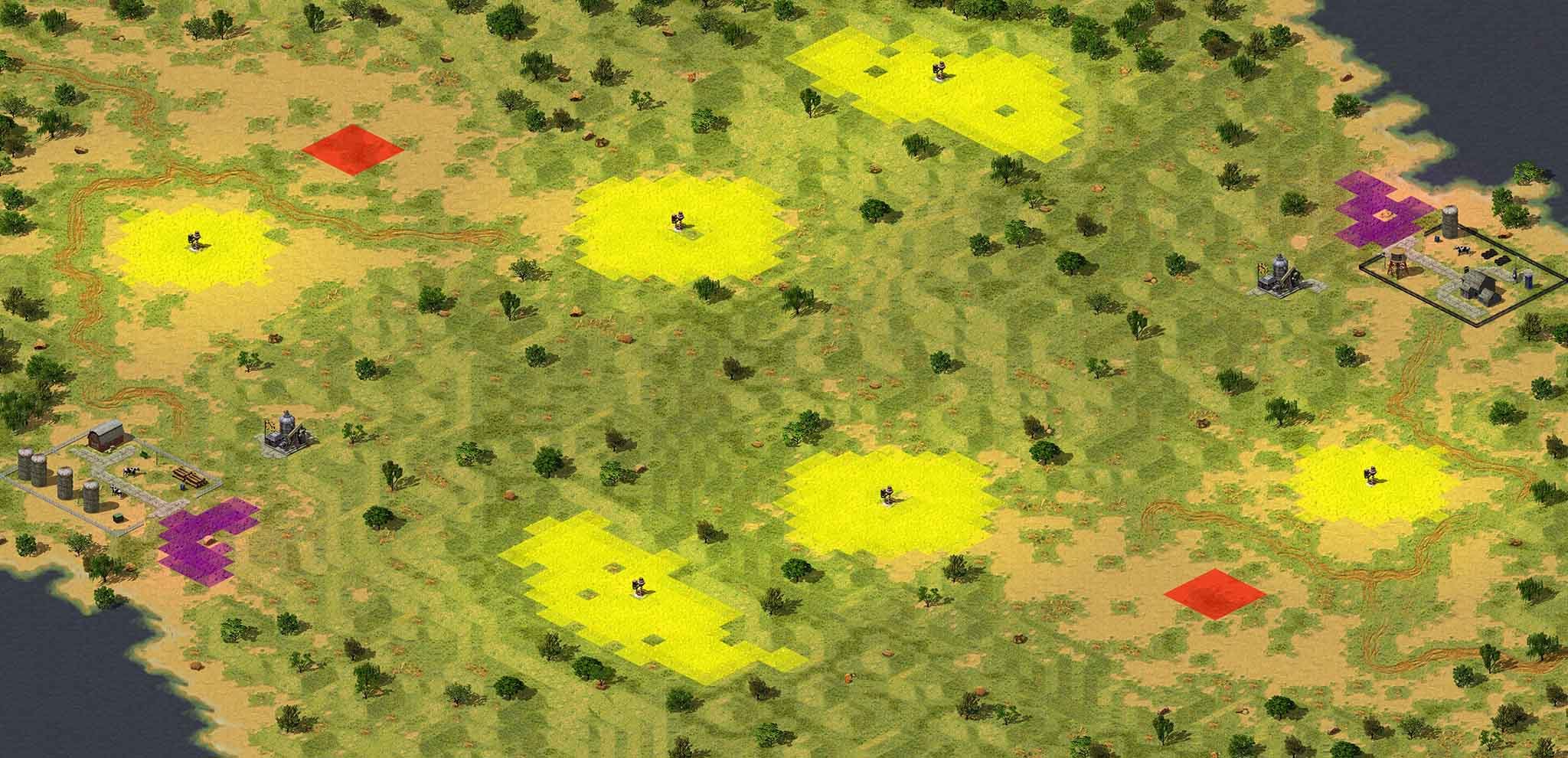
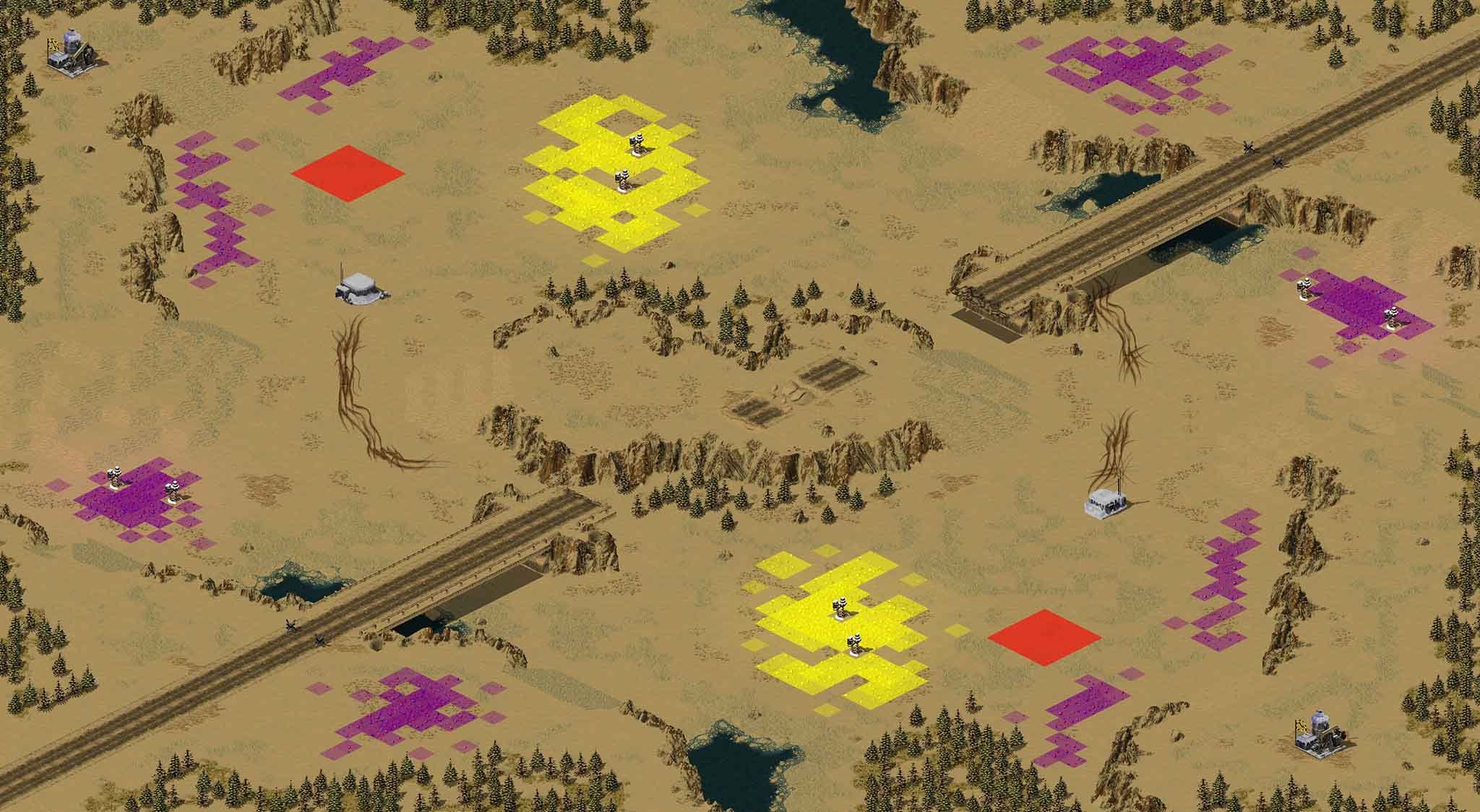
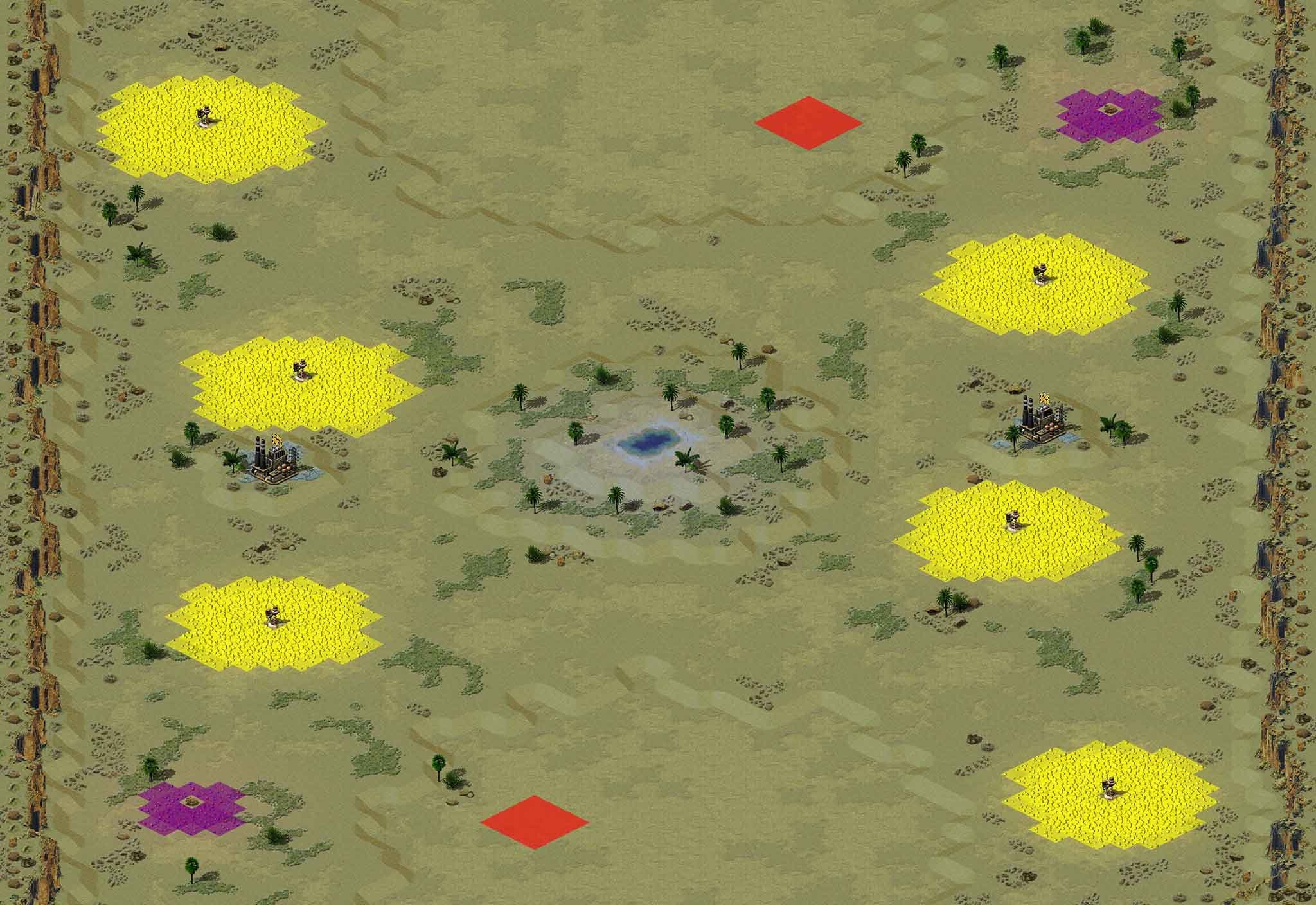
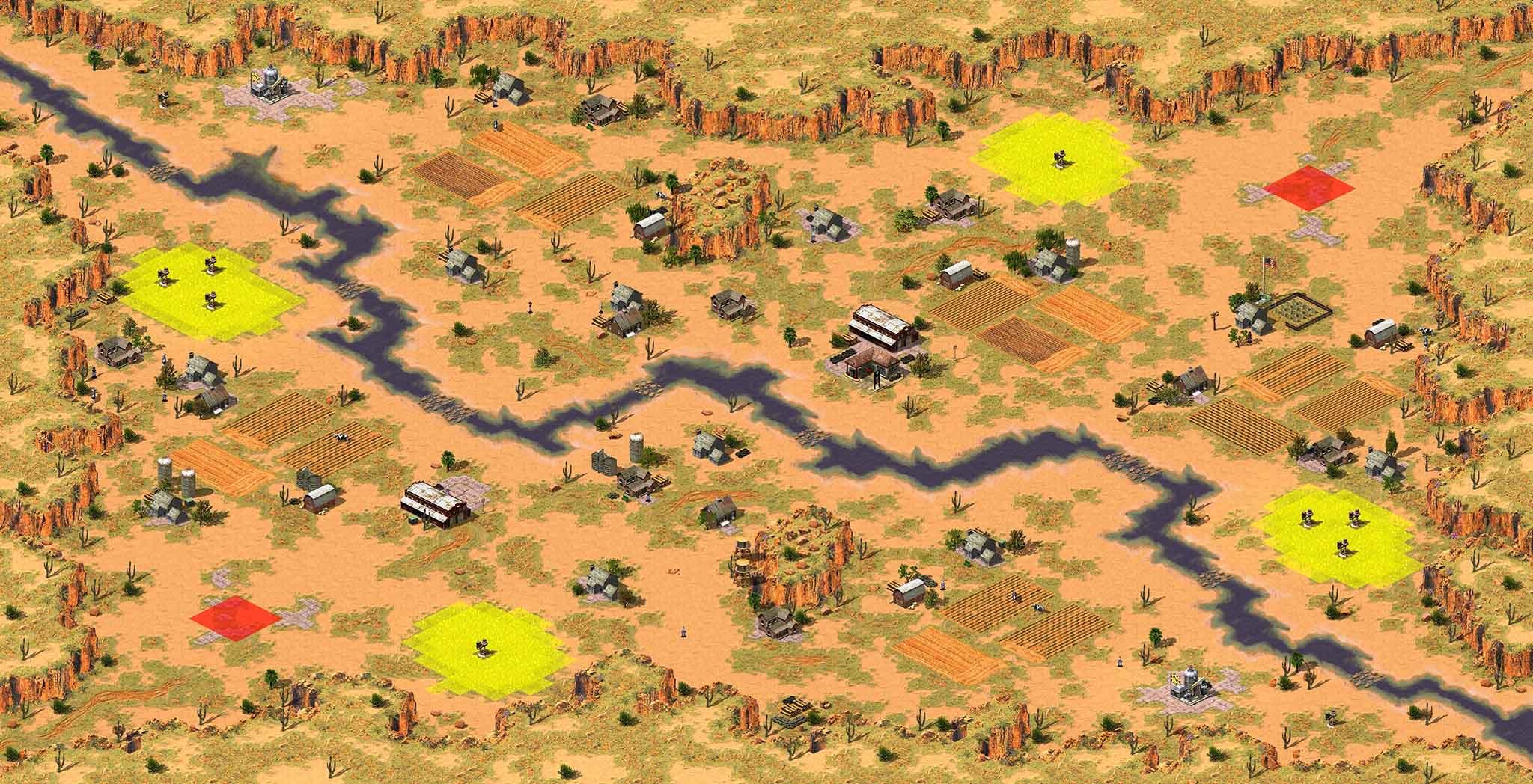
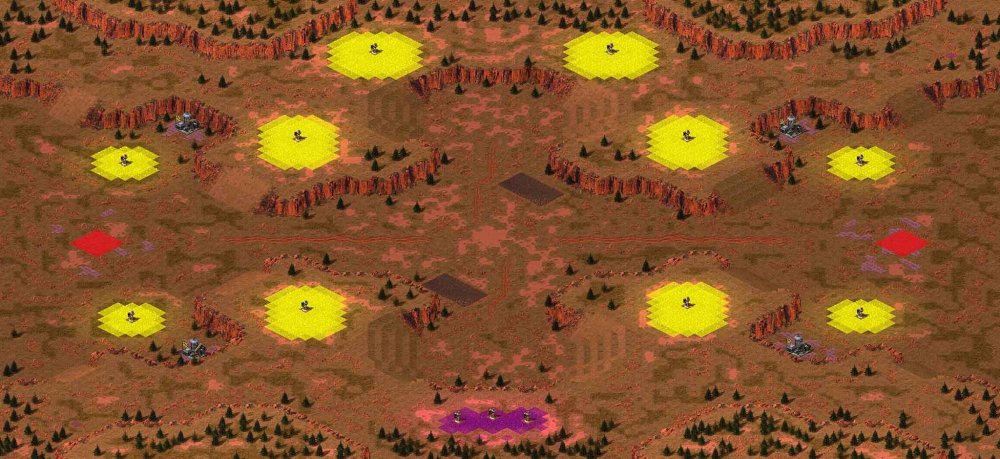
Yes you did, edit map lighting and set level to 16000 it will blend the terrain height differences better. Reduce battle area tree count while keeping choke point areas. With good tree positioning you can still keep the look of the map. Great job on the cliffs and layout. I like to use yellow invisible lamps behind ore mines on ore fields, purple lamps on gem fields and just invisible light posts hidden inside tech buildings. Using custom values to make the light really subtle and emulate a slight 'bloom' effect. Try them out and copy this into your map file, after opening it in notepad. Insert it after the header section and tweak the Tint values in .1 increments per your preference, but keep in mind that less is more and high values look 'pixellated' by causing ugly per lat brightness variations. [INGALITE] LightRedTint=0.1 LightBlueTint=0.1 LightGreenTint=0.1 LightIntensity=0.02 LightVisibility=2000 [INPURPLAMP] LightRedTint=0.1 LightBlueTint=0.1 LightGreenTint=0.01 LightIntensity=0.02 LightVisibility=2000 [INYELWLAMP] LightRedTint=0.1 LightBlueTint=0.01 LightGreenTint=0.1 LightIntensity=0.02 LightVisibility=2000 Render with map renderer to see results and tweak till you're happy. Note that map global lighting colour and values affect the gradient of the lighting as well. Edit: just noticed you're not deleting one cell of ore behind the ore mine, which is important, because ore can get stuck there and causes harvesters to return to the ore mine while it's otherwise empty.
-
TS-DDRAW the default renderer was updated recently, which however wouldn't explain why you're encountering the same issue with other renderers. Do you use a different resolution for the desktop than you do in the game?
-
@dirtybob This thread is not for new feature suggestions but rather to note the differences between Red Alert 2's Original and the conversion to Yuri's Revenge game engine.
-
No offence but comments like yours is what cause people to stop contributing to the community. If you can do better then go ahead and do it, if you got nothing constructive to say then don't post at all.
-
That's great, take everyone's feedback and make something out of it. They all covered everything I was going to say in the first post anyway, but was too tired and didn't want to overload you either. I was only looking at this map and posting feedback, because I wanted it to be a bit better before I add it to the next update for YR's CnCNet client.
-
What riles me is the fact how emotional you're getting over this. I felt exactly the same way as you do when I went to show off my maps on PPM site... (it's where all the experienced modders reside) While I was under the impression that I put my all in my maps, I'm guessing you feel the same. Here's why I called it bland... Square shaped cliffs, but the cliff tiles are not repetitive so that's great, not many map makers get this right in their first 10 maps. Long lines and straight angles on slopes Same as above but with terrain tiling such as dark grass and sand. While your idea to replicate natural look of an area might be on the right track, the implementation looks very artificial. I will not reply to your thread anymore though, I kept this post nice and civil so you can sleep at night.
-
You could have started with this. I've been making maps since 2003 and played competitively since 2004, which means I have a lot of experience in regards to making maps and playing them. When I look at the map preview I look for common key issues and imagine playing a game on it. If you can't take constructive criticism you won't get far with anything.
-
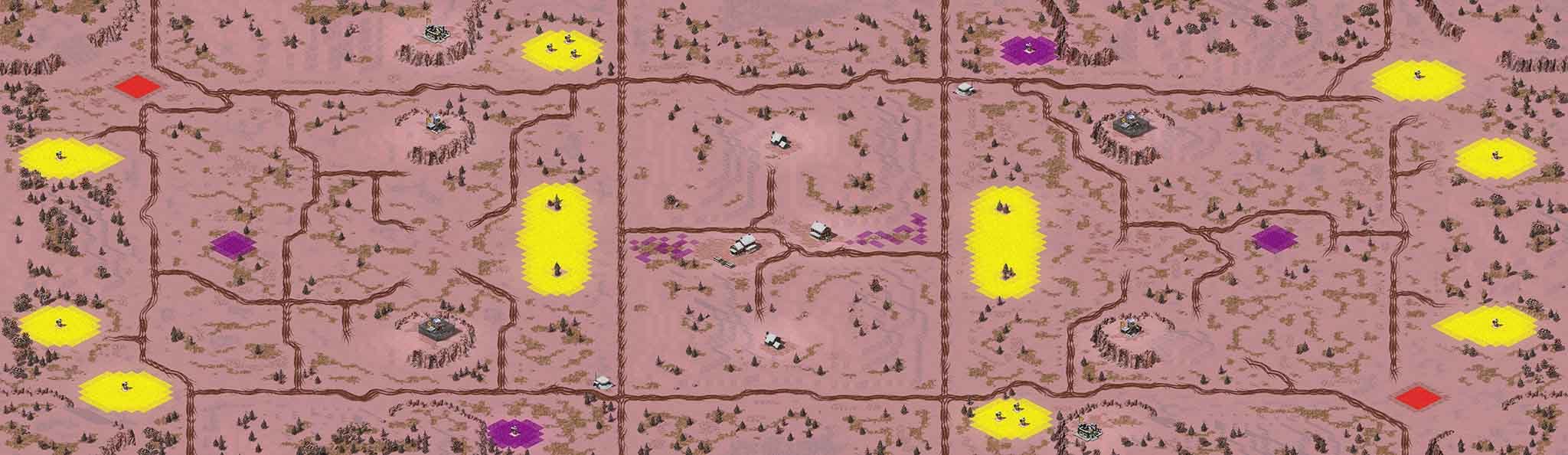
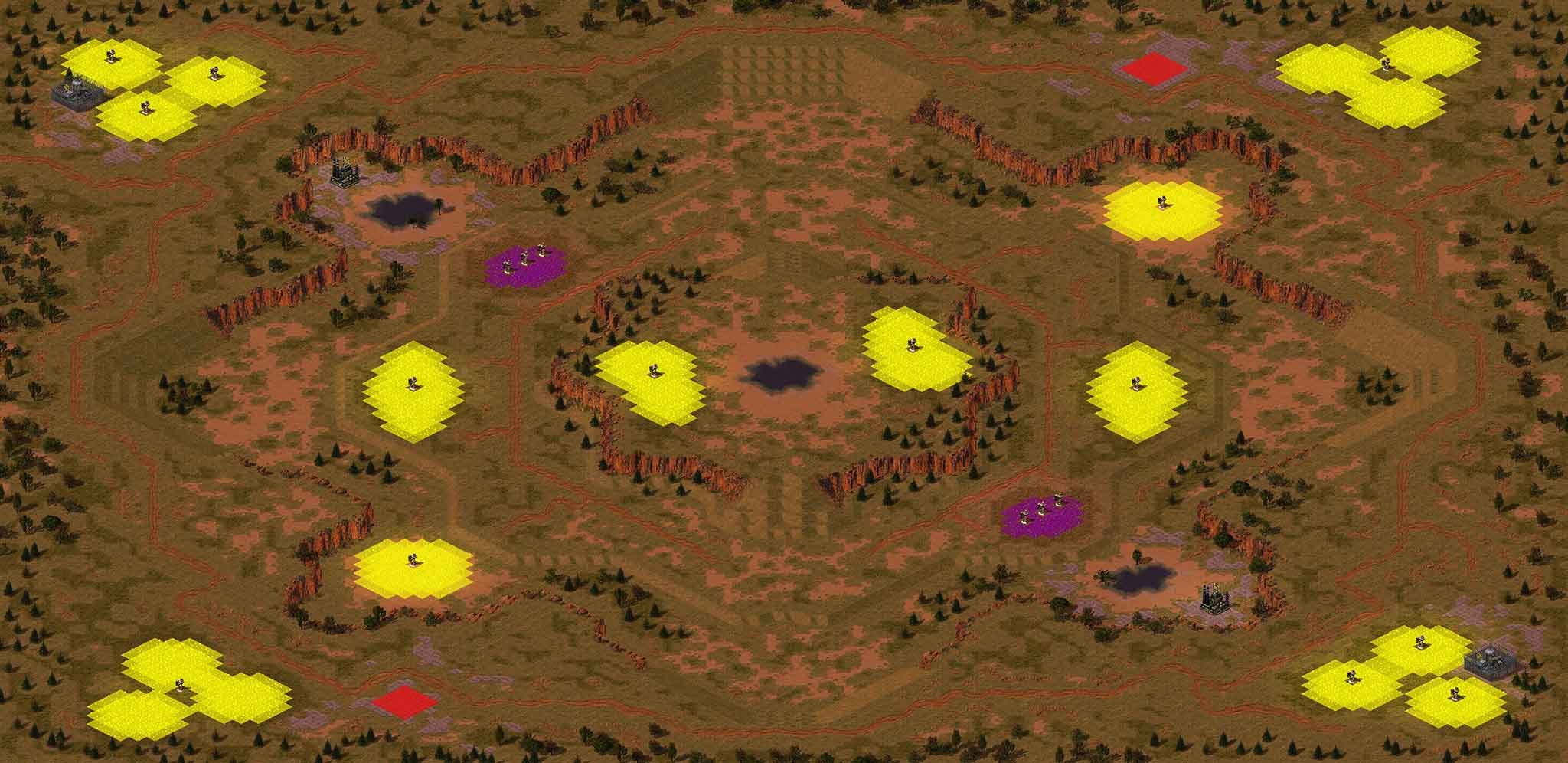
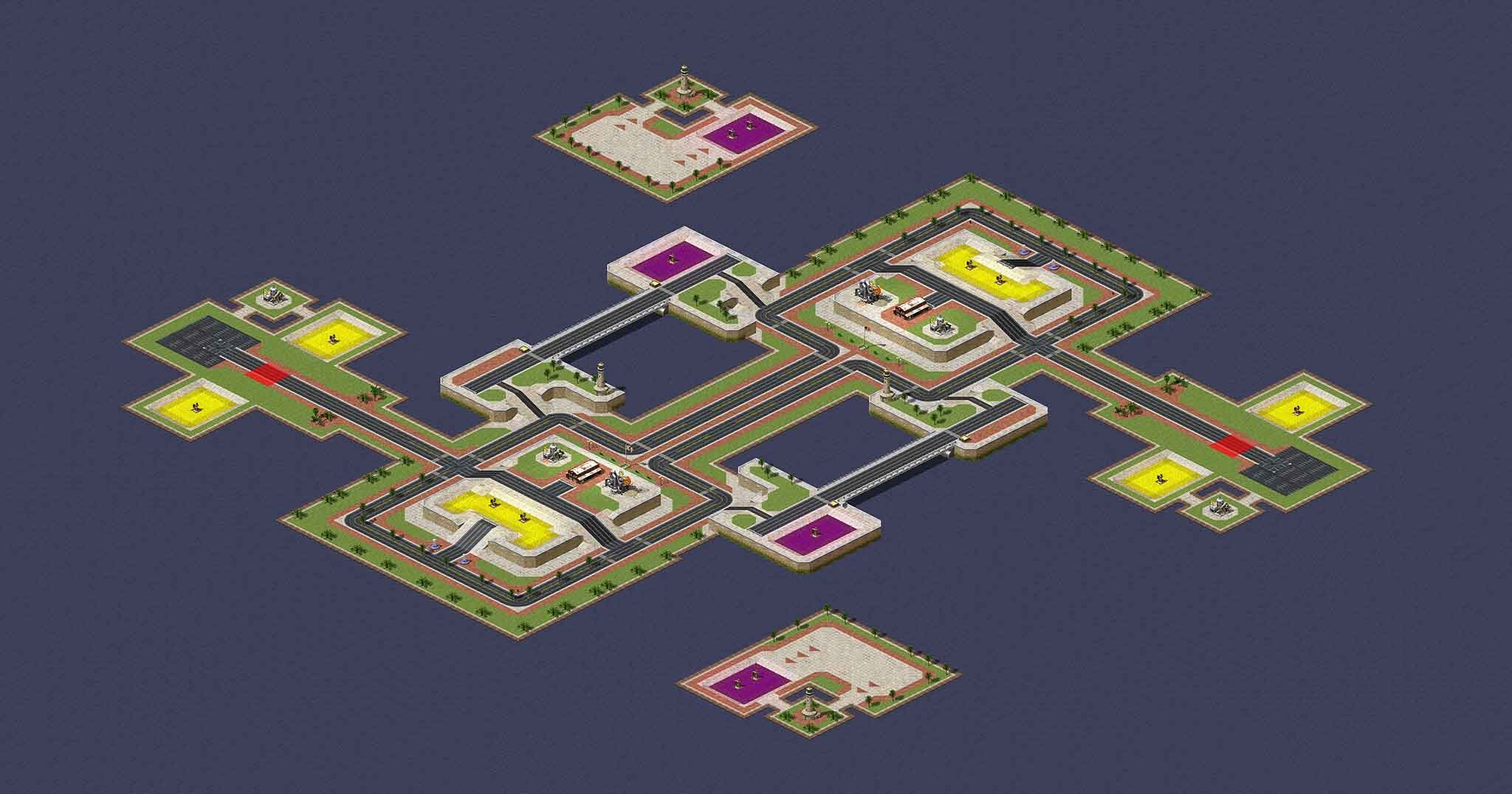
Added map previews to first post.
-
Terrain needs a bit of more detail, dark grass, sand, ground etc... Otherwise it looks a bit bland.
-
Check the other links section of the tutorial, afaik there's a great trigger tutorial on PPM site.
-
Now you learned and are in pro mode? Did you figure things out?
-
@MapDesigner you didn't read all of the "how to make a map" thread there's a tutorial there.
-
A lot which is why I summarized most of the chamges, I'll try to make a more detailed change log in the future.
-
Even with the ore balanced, it's still better for Soviet.
-
Not yet.
-
I would suggest using "DxWnd" renderer with "Video Back Buffer in Memory" enabled.
-
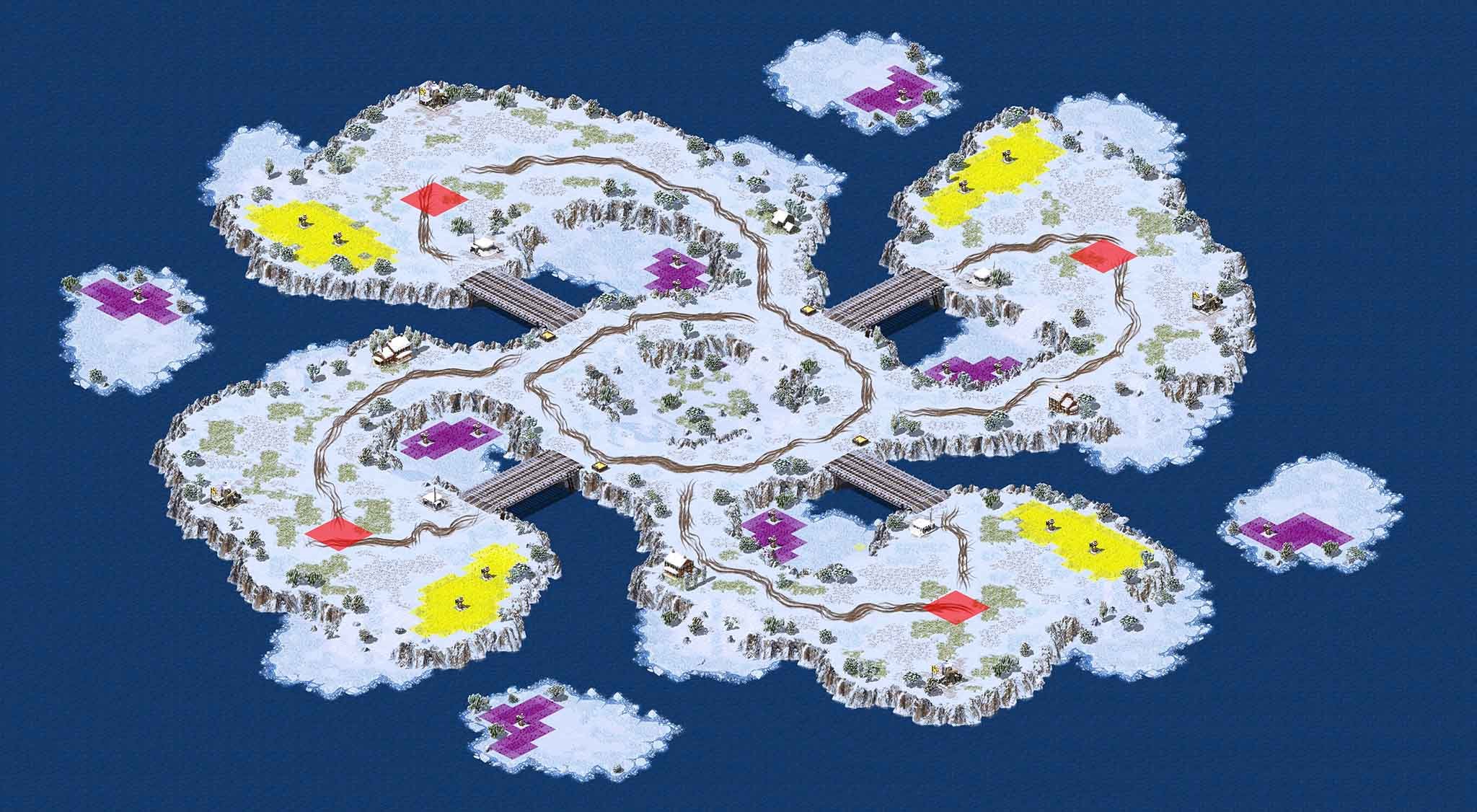
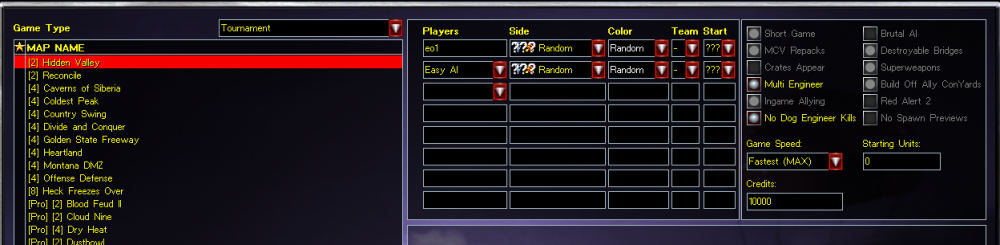
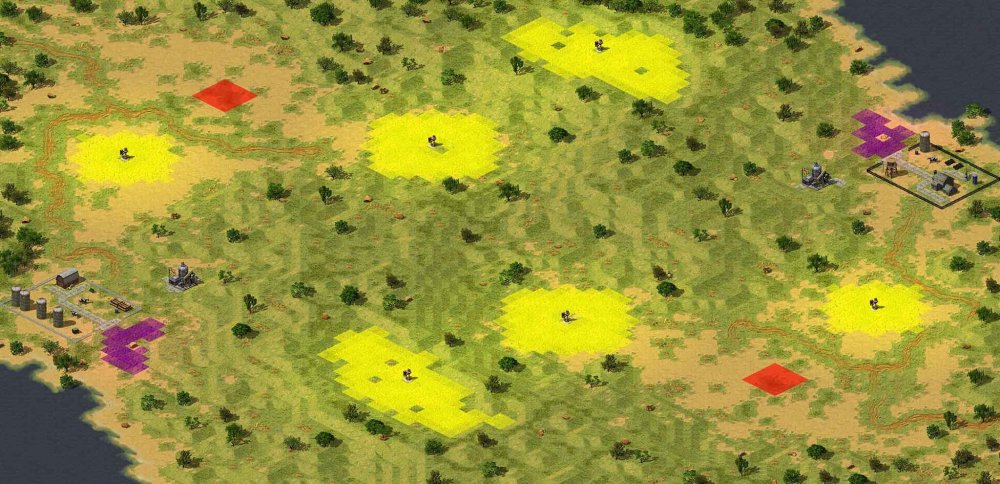
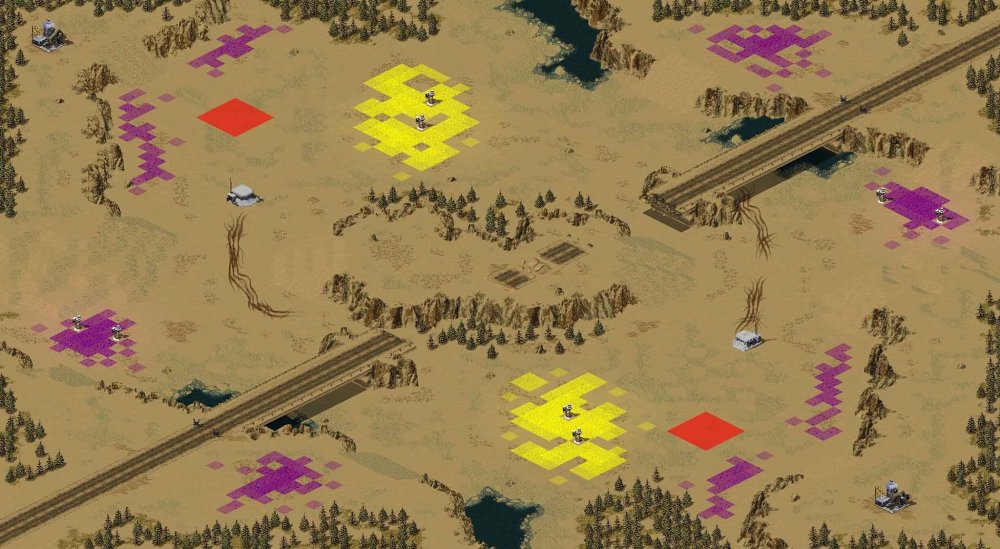
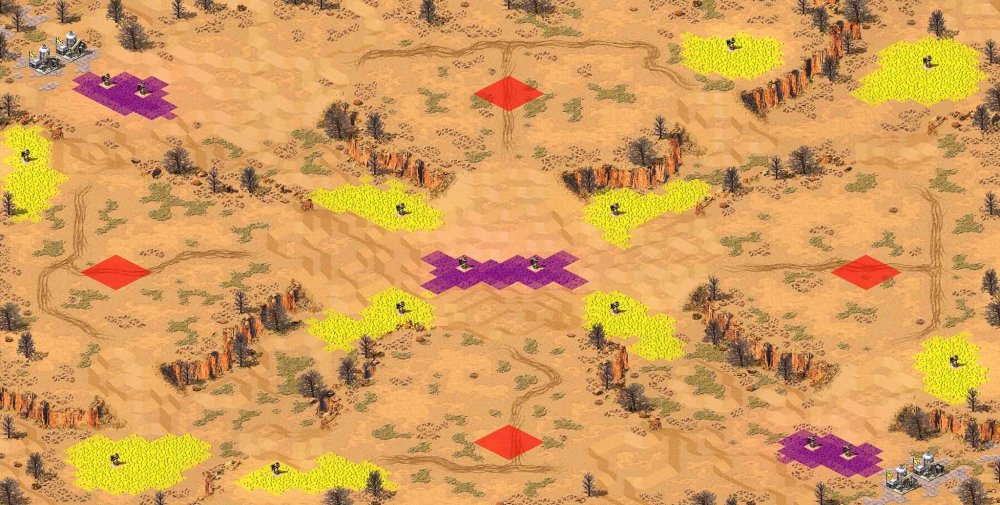
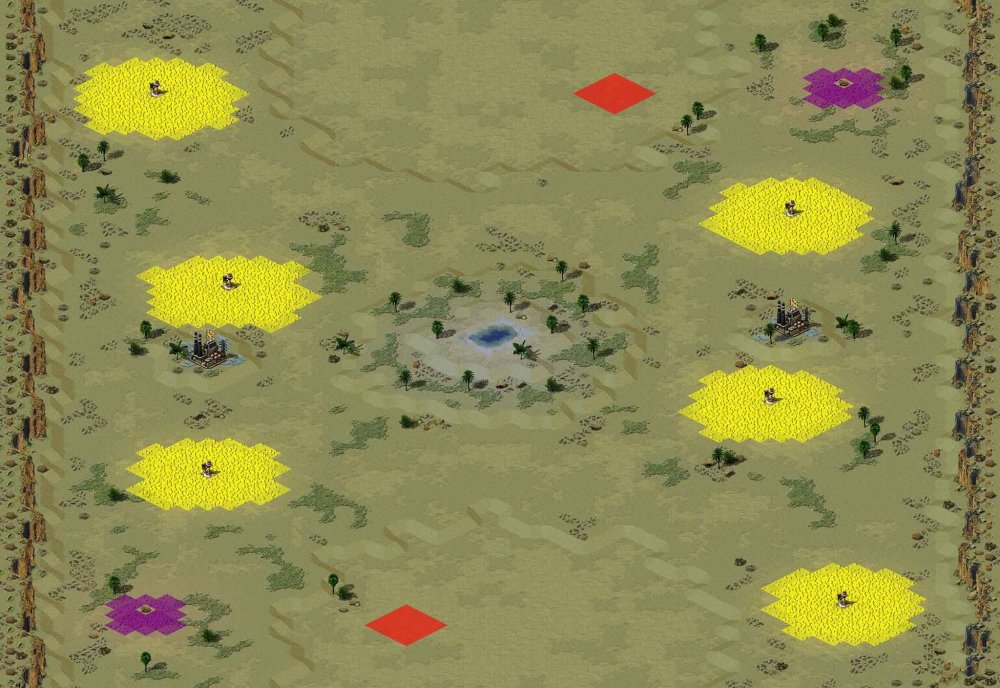
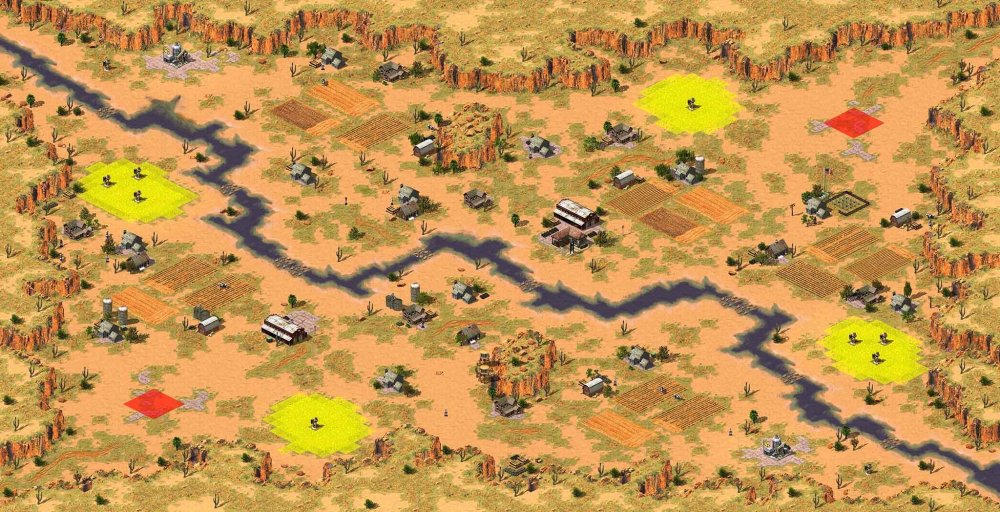
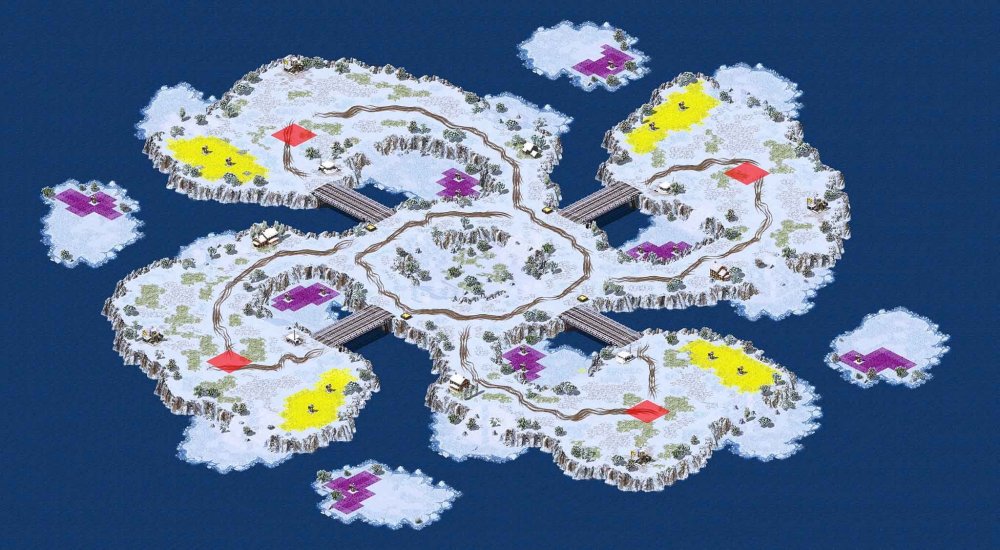
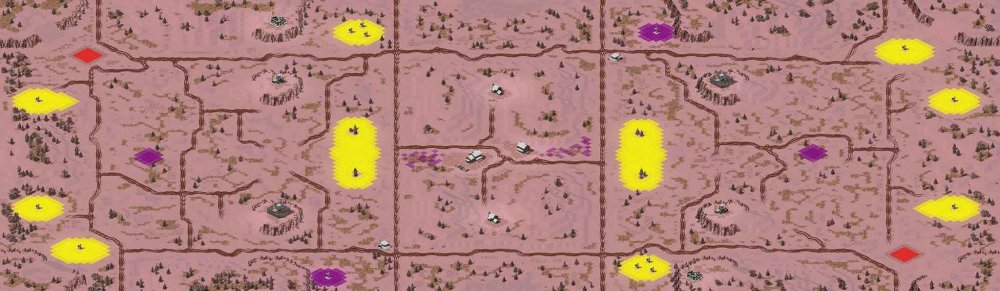
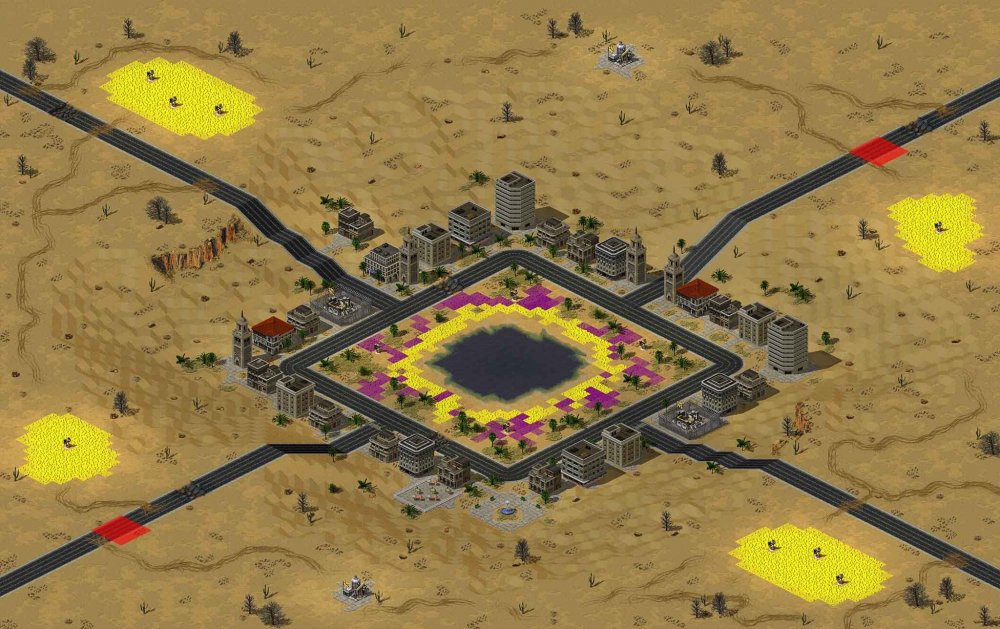
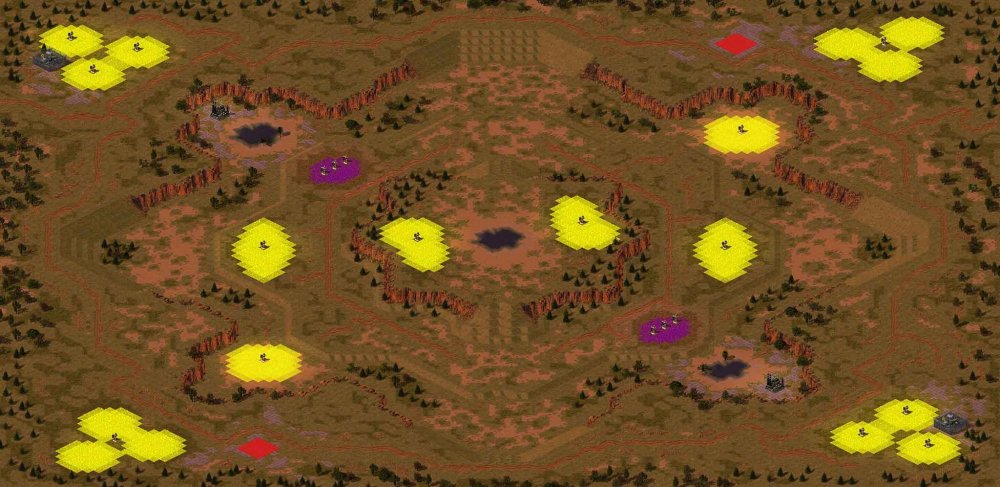
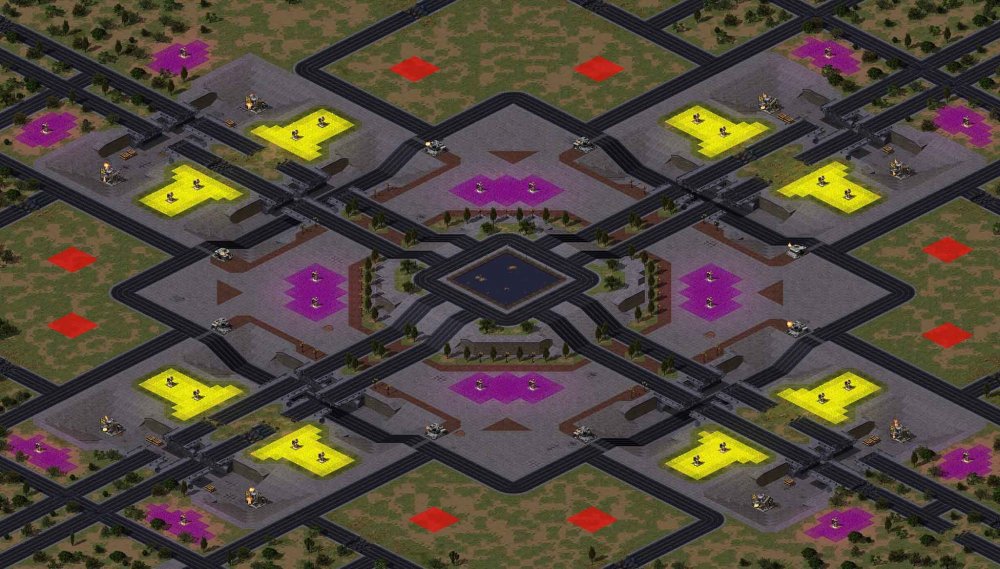
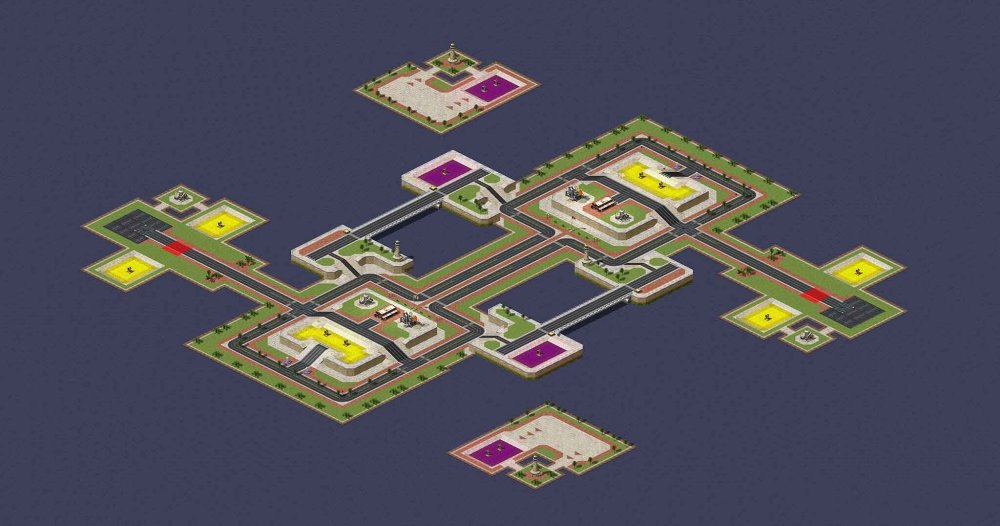
That's right comrades, a new Tournament Pack that includes a whole bunch of exciting new maps and a new category called Tournament. You can find these in the "Tournament" drop-down game mode in the CnCNet Yuri's Revenge client. Now you can truely have your "Pro" games without forgetting to change those settings back from crates. Awesome. Where do I find this update? Right there in the client, under the Game Mode dropdown you can choose the new Game Mode called Tournament. In here the maps will show up. The detail.... New game mode to custom games called "Tournament". This game mode is aimed at competitive players and tournament organisers as it enforces the same game settings as found on CnCNet's ranked ladder with the exception of "Multi Engineer" & "No Dog Engineer Kills" as those settings are left available to satisfy player preference. The maps under this mode are selected by competitive balance and most of the maps are heavily edited counter parts of their original cousins to ensure the best game-play experience and fairness to all three factions found in the game. The games played under this new game mode do NOT count as ranked ladder matches and wins or losses will not be recorded by CnCNet. New competitive [Pro] versions of eight completely new maps playable under Battle & Tournament game modes. Pinch Points by WaveShiko Lovely Snow by WaveShiko Stardusk by WaveShiko Bloodfeud II by Toveena Dune Patrol II by Toveena Cloudnine by Speeder Proving Grounds by FReQuEnZy Tournament Map P by FReQuEnZy New five re-balanced versions of original maps playable under Battle & Tournament game modes. Dry Heat Dustbowl Sahara Mirage Frostbite Twin Peaks (renamed to Twin Plateaus) Please keep in in mind that all of the above is the result of the continuous efforts different community members and progress does depend on player feedback. Any constructive suggestions and bug reports should be PMed to @FReQuEnZy Thanks go out to... @Speeder for letting me use maps from the Mental Omega mod's map pool. The talented WaveShiko for making new maps like a machine and allowing me to edit them. @Toveena for making new versions of maps inspired by Westwood's originals. @Omituinen @heldro @ZAIN @Linfeng For play testing the maps. @FlyingMustache & daijobu for providing valuable feedback and solutions to existing balance problems. @Grant & @dkeeton for their continued support of the community and helping me to develop this update. If I forgot anyone, please PM me or Grant!
-
is there difference between the 3 ore mines available in FinalAlert
RaVaGe replied to MapDesigner's topic in RA2/YR Maps
@MapDesigner Just copy and paste the respective entries of tibtree to your map via notepad. Open map in notepad > copy entry starting from [tibtre01] > edit values -
KKnD2: How Many versions Exist? what are the Differences?
RaVaGe replied to MapDesigner's topic in General Discussion
Search on Google. & use this patch. -
is there difference between the 3 ore mines available in FinalAlert
RaVaGe replied to MapDesigner's topic in RA2/YR Maps
[TIBTRE01] Name=Tiberium Tree SpawnsTiberium=yes RadarColor=192,192,0 IsAnimated=yes LightVisibility=4000 LightIntensity=0.01 LightRedTint=0.01 LightGreenTint=1.5 LightBlueTint=0.01 AnimationRate=3 AnimationProbability=.003 Immune=yes ;Immune=no [TIBTRE02] Name=Tiberium Tree SpawnsTiberium=yes RadarColor=192,192,0 IsAnimated=yes LightVisibility=4000 LightIntensity=0.01 LightRedTint=0.01 LightGreenTint=1.5 LightBlueTint=0.01 AnimationRate=3 AnimationProbability=.003 Immune=yes ;Immune=no [TIBTRE03] Name=Tiberium Tree SpawnsTiberium=yes RadarColor=192,192,0 IsAnimated=yes LightVisibility=4000 LightIntensity=0.01 LightRedTint=0.01 LightGreenTint=1.5 LightBlueTint=0.01 AnimationRate=3 AnimationProbability=.003 Immune=yes ;Immune=no Exctracted from RulesMD.ini ; This is Ore [Riparius] Name=Tiberium Riparius Image=1 Power=0 Value=25 Growth=2200 GrowthPercentage=.06 Spread=2200 SpreadPercentage=.06 Color=NeonGreen ; **WARNING**: If you change this color, notify Bret_a ; These are Gems [Cruentus] Name=Tiberium Cruentus Image=2 Value=50 Growth=10000 GrowthPercentage=0 Spread=10000 SpreadPercentage=0 Power=0 ;10 Color=NeonBlue ; **WARNING**: If you change this color, notify Bret_a Debris=CRYSTAL1,CRYSTAL2,CRYSTAL3,CRYSTAL4 -
Same as with any transports, unless you do it per map and script it using waypoints... How is this compatible with the client now?
-
I can't remember the actual limitations, there is one where the game crashes on loading the map that's too large.
-
Because the coder of the map editor and the game engine didn't get along. In a world where two experienced professionals would have coded the map editor and the game engine the limitations would be clearly explained. You must first extract them with xcc mixer from the game's missions.mix or was it maps.mix... Then enter the partial name in the FA2's open dialogue and it should show up.